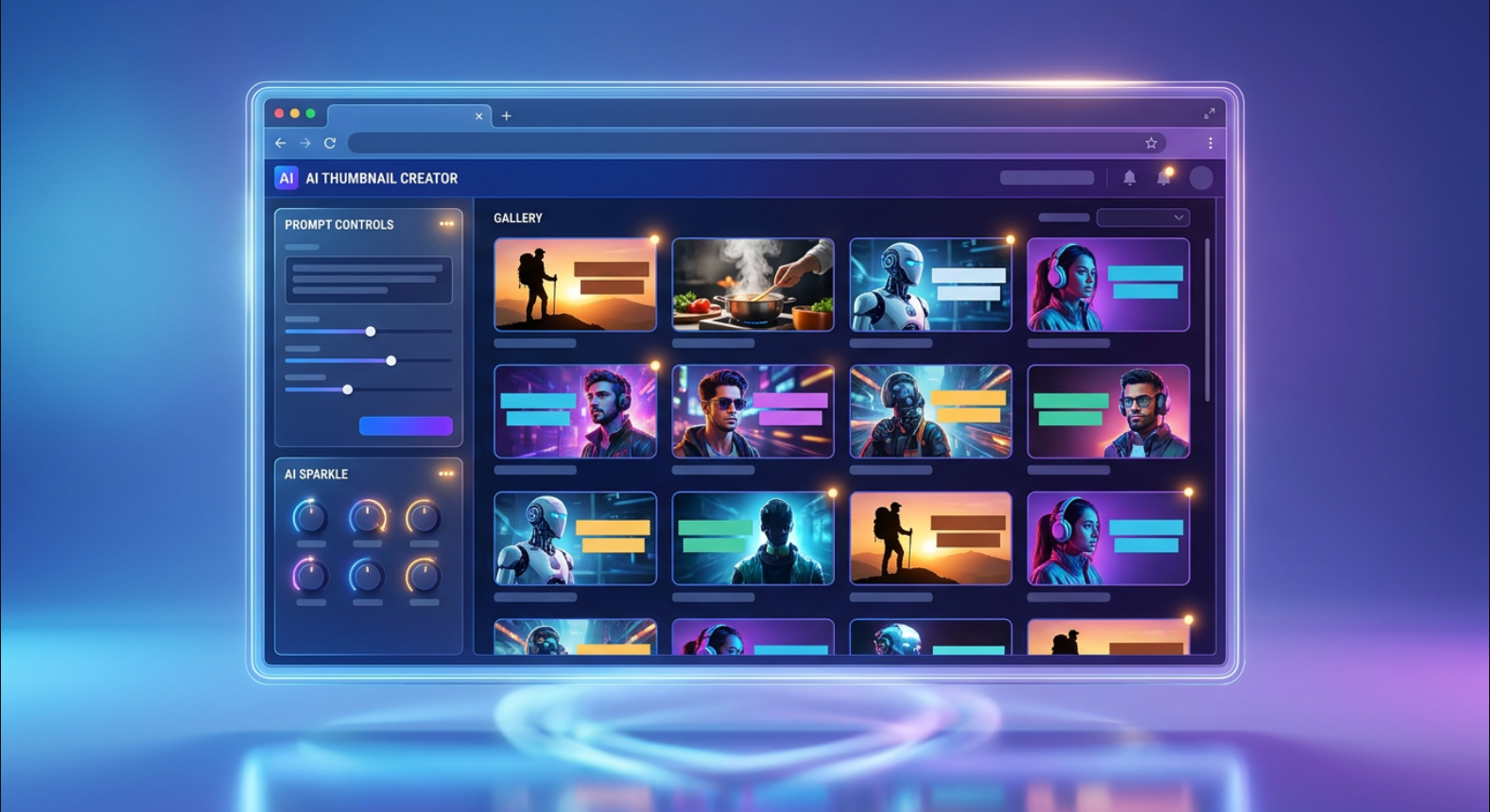
AI thumbnail generators are modern design tools that use artificial intelligence technology to generate attractive thumbnails for videos, articles, social media posts, and other types of digital content. Instead of creating each element manually, the user provides the topic, title, picture, or a description, and the AI generates thumbnails in a very quick manner.
Thumbnails are usually the first visual elements viewers see before clicking something. Creating thumbnails for YouTubers, bloggers, marketers, and social media creators who need visually appealing images to accompany their content is an essential part of any content creation strategy. AI tools allow making this job much quicker and easier.
What Is an AI Thumbnail Generator?
An AI thumbnail generator is an app that uses artificial intelligence to design or optimize thumbnails. These apps are able to combine pictures, text, colors, backgrounds, icons, and other design elements to create a design corresponding to the chosen topic.
Thus, a creator of a football-related video provides the AI with information about his topic and title, le and the generator produces a thumbnail with a football stadium, other football-related imagery, text in bold font, nd an optimal layout. Some platforms are able to create thumbnails based only on the provided text prompts,s while others allow you to upload an image and transform it into a good thumbnail.
How Does an AI Thumbnail Generator Work?
It usually starts with input of information from the user. Depending on the platform, the user either provides a text prompt, uploads an image, or shares other information about his/her project. The AI processes this information and creates the design based on the visual patterns it recognizes in a large amount of training data.
It makes the right choice of the background, composition, font, and other design elements. Moreover, almost all platforms allow users to edit the result of the generation. It means that the user can change the text, adjust colors, change images, resize elements, or produce several versions of the design to choose the right one.
Uses of AI Thumbnail Generators
- YouTube thumbnail creation – producing several design ideas and choosing the most effective for the topic of the video;
- Articles – bloggerscano produce featured images for posts;
- Consistency – providing your website with a unified style of thumbnails helps to make it more organized and professional;
- Social media – creating cover images, promotion posts or campaign-related graphics;
- Business – thumbnails for tutorials, product videos, online courses, webinars,, or advertisements;
- Podcasts and other digital media – creating attractive cover images for the content.
Advantages of AI Thumbnail Generators
- Speed – the toocanto produce several concepts in a very quick manner, thus saving time;
- Ease of use – users can produce appealing designs even with no experience in graphic design;
- Creative spark – experimenting with various AI-generated designs can help in finding good design solutions;
- Consistency – using unified fonts, colors, layout,, and visual elements helps to develop a recognizable style.
AI Thumbnails and Click-Through Rate
A good thumbnail is able to influence the likelihood of someone clicking on the content. However, AI thumbnails cannot guarantee a high click-through rate for you. Your thumbnail should correspond to the content and be understandable when viewed in a small size. High contrast, readable text, a clear subject, and a simple composition are important here. Do not try to mislead your viewers with misleading images or claims for more clicks.
AI Thumbnails and SEO
These thumbnails play a supporting role in the SEO and content strategy, especially for video and image-first platforms. A thumbnail does not have a direct impact on the ranking of your content. However, good design increases the probability of higher user interaction with the video or post. On websites, you should provide your images with correct file names, appropriate alt text, right dimensions, and a compressed file size.
Limitations of AI Thumbnail Generators
- Text inside the AI-generated images can contain various spelling mistakes, weird letters, and other flaws;
- Sometimes the design becomes too generic if the prompt was simple enough;
- Always check every generated thumbnail before publishing;
- Important parts such as faces, logos, or branding may need additional adjustments;
- Check the licensing terms of the tool if you are going to use it for commercial purposes.
Choosing an AI Thumbnail Generator
While choosing an AI tool, pay attention to the following factors: image quality, customization, templates, export resolution, simplicity, and price. Also, check whether the tool is supported by your platform and allows you to use the images commercially if needed.
1 thought on “AI Thumbnail Generators How They Work, Benefits, Uses and Best Practices”