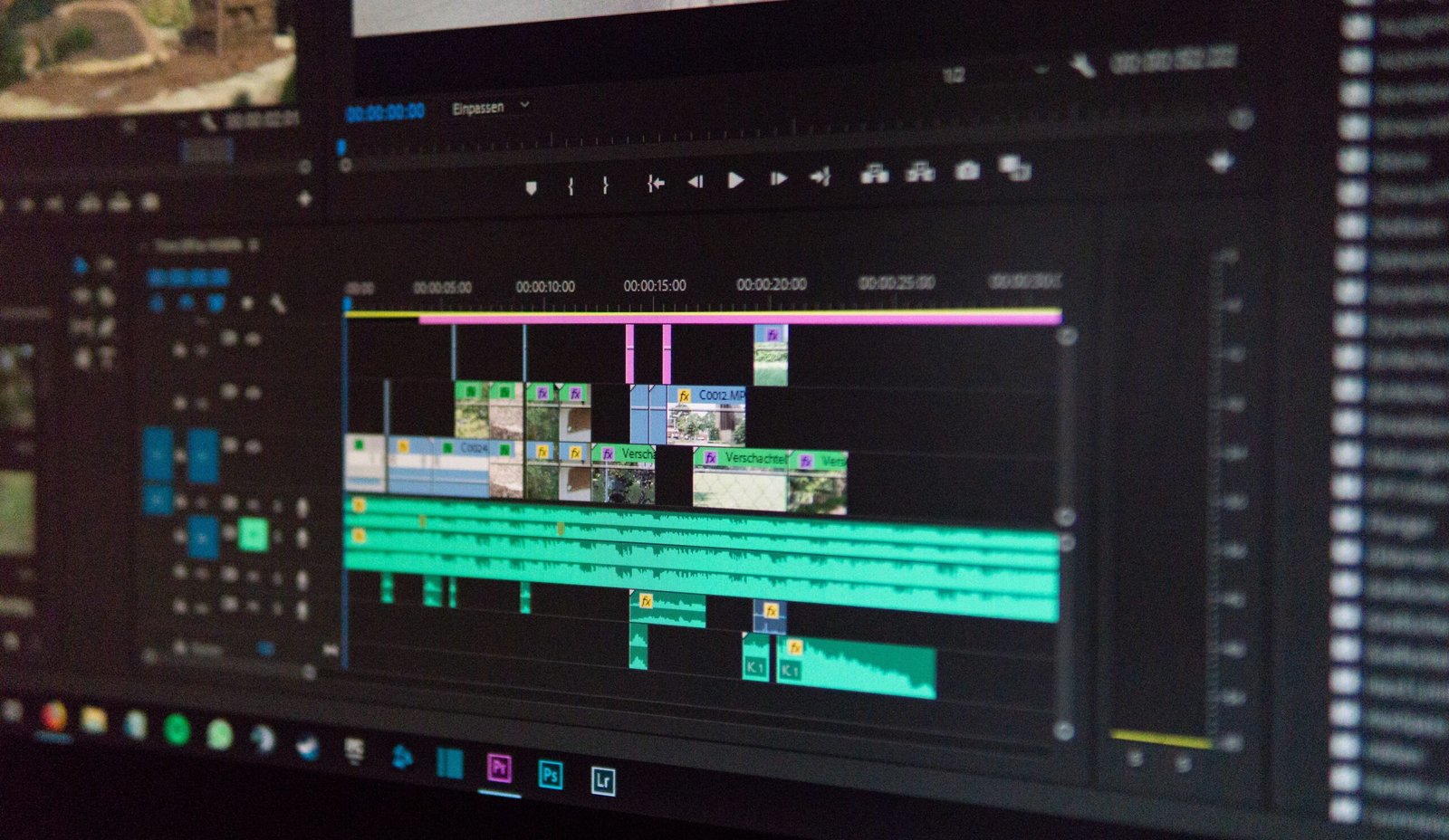
AI video editing tools before the emergence of video editing software utilizing artificial intelligence, creating and publishing a video required specialized software, some technical knowledge, and quite a lot of time to edit videos. Video editors had to cut video, modify audio, add transitions, captions, modify video color settings, etc., so that the video was finally ready for being published.
AI video editing software is changing that by using artificial intelligence to automate the editing process. The software is useful for beginners and professional video editors, businesses, marketers, educators, and even creators of social media videos. Thus, instead of doing all editing tasks manually, you can leave AI to deal with them and devote your time to thinking about story and ideas.
What Are AI Video Editing Tools?
AI video editing tools are computer applications that use artificial intelligence to aid you with video editing and improvement. Depending on the software, they will automatically identify scenes, remove unnecessary fragments, generate captions, enhance audio and video and perform other editing tasks.
There is software where one is able to edit videos using text commands; there are those which incorporate AI functions into traditional editors. This provides a possibility for creators to use automated editing and manual control differently depending on preferences. For example, you can simply upload your video and allow AI to detect key moments and arrange them manually to form the final video.
How Do AI Video Editing Tools Work?
AI video editing system analyzes video, audio, and sometimes text to detect valuable patterns. It is able to recognize speech, objects, scenes, pauses, and other elements. In response to a request for an edit, AI uses detected patterns to make changes.
For instance, speech recognition helps to create captions automatically, and analysis of audio is used to detect pauses, background noise, etc. The features available to users depend on the software itself. There are those that emphasize automatic editing, and those that provide additional tools with the assistance of AI.
Common Uses of AI Video Editing Tools
- – Automatic caption generation: AI transcribes spoken words to text to create subtitles
- – Removal of pauses or unwanted segments: Useful for podcasts, interviews, tutorials, social media videos.
- – Audio enhancement: Reduce background noise and improve speech intelligibility
- – Video resizing and formatting: Adapt horizontal video for various social media formats.
- – Business usage: Creation of promotional videos, training material, product demonstrations, and marketing content in less time.
Benefits of AI Video Editing Tools
- – Saves time: manual editing requires hours to complete, and automated tasks leave more time for creativity.
- – Accessibility: beginners will be able to do tasks that used to require advance skillset
- – Consistency: automatic edits will help to maintain the same workflow for all videos.
- – Fast publishing for teams: helps to publish content regularly without spending extra time manually editing.
AI Video Editing Tools and SEO
The use of video is one of the elements of SEO strategy. With the help of such software, it is easier to transform existing content into video format (creating short educational videos out of blog posts with narration, captions, and visualizations).
Just creating a video won’t guarantee increased visibility in searches – video needs to bring some added value and contain good titles, descriptions, captions, ns and correct metadata. Videos on websites need to be optimized for faster loading of web pages.
Limitations of AI Video Editing Tools
AI editing cannot always work perfectly. It can remove important pieces, make mistakes in transcribing the speech, or edit videos incorrectly from the viewpoint of the creator. Captioning provided by AI is prone to mistakes – especially with difficult accents, terminology, or fast speech. Thus, generated captions need to be reviewed prior to publication. There will be situations when the creation of creative projects will need more human interaction.
How to Choose an AI Video Editing Tool?
Choose the software according to your needs. Consider the type of videos you create and the functionality you use most often. Pay attention to automatic captions, audio enhancement, background removal, scene detection, video resizing, and AI-assisted editing. If you are a beginner, ease of use will matter for you; experienced editors will need more manual control. Consider also the quality of exported video, supported formats, pricing, privacy, and storage.
Best Practices for Using AI Video Editing Tools
- – Always use high-quality footage when possible
- – Use AI for repetitive editing tasks, leaving creative choices for humans.
- – After editing, always review the full video to make sure that everything is ok with cuts, captions, audio, transitions, and visuals.
- – For social media content,t use appropriate aspect ratio and length, and make the video introduction interesting enough.
1 thought on “AI Video Editing Tools How They Work, Benefits, Uses, and Best Practices”